In this article
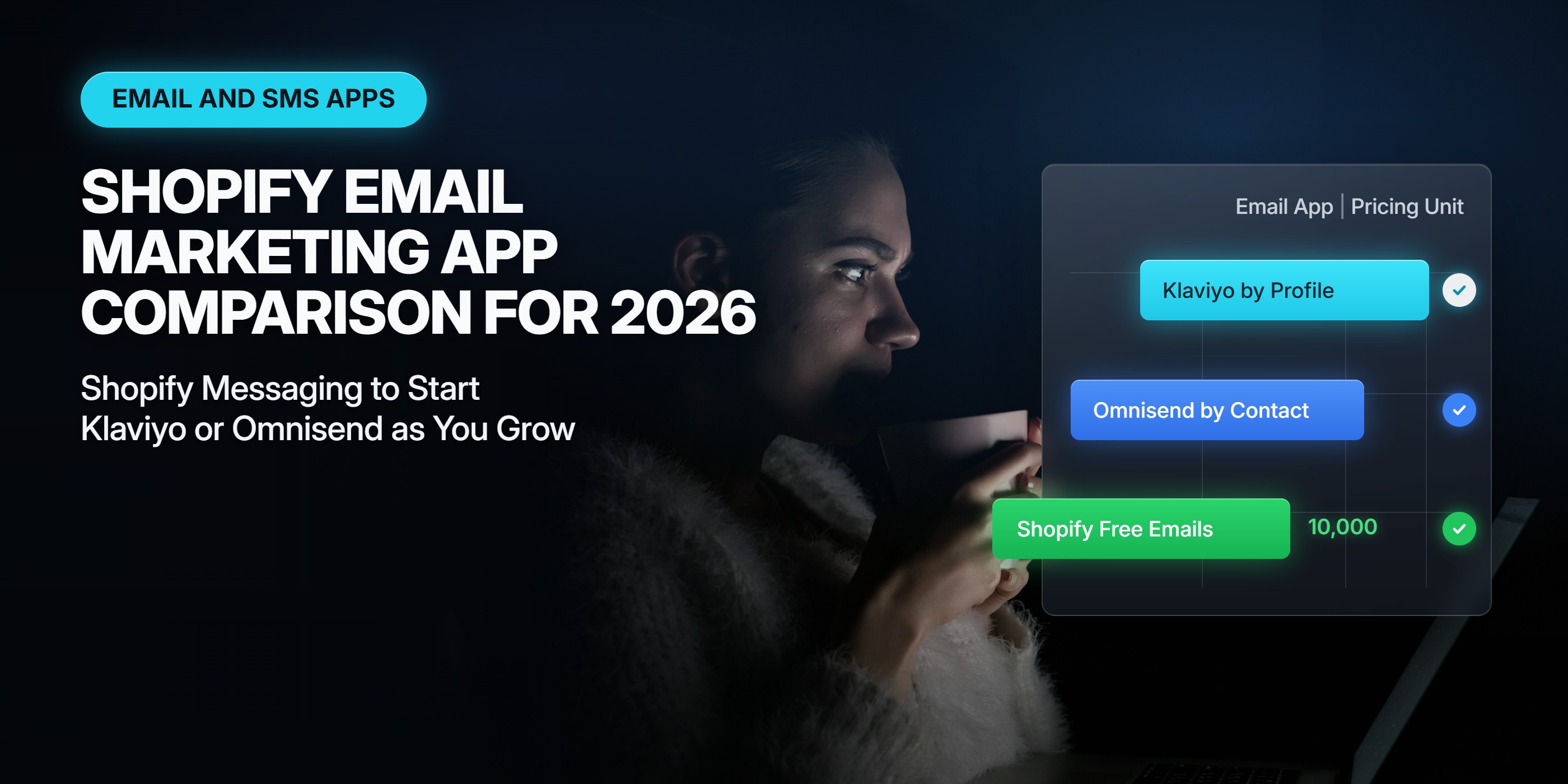
- Shopify Messaging gives every store on Basic or higher 10,000 free emails a month, then charges $1 per 1,000.
- Klaviyo, Omnisend and Mailchimp price on contacts, so a big list costs money every month whether you mail it or not.
- Klaviyo’s free tier covers 250 active profiles and 500 emails a month, with paid email from $20 a month.
- SMS list rates start at $0.007 to $0.012 a message across these apps, but minimums and volume tiers decide the real bill.
- Stay on the built-in app until you need predictive segments, personalized recommendations or several stores in one account.
For most small stores, the right Shopify email marketing app to start with is Shopify Messaging, because the first 10,000 emails each month are free and it runs inside your admin. Once you need deeper segmentation, more channels or a bigger list, Klaviyo and Omnisend are the two to compare next. Mailchimp suits teams that already use it, and Postscript or Attentive suit stores where text messages lead.
The choice matters because switching later is real work. Your subscriber consent records, automations, templates and sending reputation all live in the app, and each one charges on a different unit, so the cheapest option at 500 subscribers is rarely the cheapest at 50,000. If you’re still deciding what to send rather than which tool sends it, start with our guide to email marketing for Shopify. This one compares the tools, with prices taken from each app’s own listing.
Which Shopify email marketing app fits your store?
The table sets out each app’s free option, its entry price and its SMS terms as listed on the Shopify App Store and the vendors’ own pricing pages. Entry prices are starting points. The email apps other than Shopify Messaging charge more as your contact list grows.
| App | Free option | Paid entry point | SMS | Fits best |
|---|---|---|---|---|
| Shopify Messaging | First 10,000 emails each month | $1 per 1,000 extra emails | $0.012 per US message, plus $2.15 a month per toll-free number | Most stores starting out |
| Klaviyo | Up to 250 active profiles and 500 emails a month | Email plan $20 a month for 251 to 500 contacts | SMS plan $15 a month for up to 1,250 credits | Stores that run on segmentation and data |
| Omnisend | Up to 250 contacts and 500 emails a month | Standard $16 a month for up to 500 contacts | On Pro, from $0.007 per message | Email and SMS on one bill |
| Mailchimp | Free plan, contact limit not shown on its listing | Essentials from $13 a month, priced on your contact count | Paid add-on | Teams already on Mailchimp |
| Postscript | None, $49 monthly minimum spend | $0.009 per SMS on Starter | SMS first | Stores where text leads |
| Attentive | None listed | Not published on its listing | SMS, email, push and RCS | Large SMS programs |
Watch for promotions when you compare. Omnisend’s listing showed a promotion of 30% off the first three months of Standard and Pro, which list at $16 and $59 a month, and Mailchimp’s pricing page offered 15% off the first 12 months for businesses with 10,000 or more contacts. Both are real savings, but budget on the price you’ll pay in month four and beyond.
Don’t choose on star ratings either. On their App Store listings, Shopify Messaging showed 4.8 from 4,760 reviews, Mailchimp 4.8 from 1,486, Klaviyo 4.7 from 3,413, Omnisend 4.7 from 3,189 and Postscript 4.7 from 1,146. Ratings that close don’t separate the apps much. The differences that matter are in what each one charges for and how much data work you want to do.
Shopify Messaging, the built-in starting point
Shopify Messaging is Shopify’s own app for email, SMS and WhatsApp marketing, formerly called Shopify Email. It’s available on the Basic, Grow, Advanced and Plus plans, and it lives inside the admin, so your customers, orders and products are already there with nothing to sync. Its listing describes campaigns, templates, segmentation and automations, and lets you describe changes to an email for Sidekick to make.
The pricing is the main draw. Every store on those plans gets 10,000 free emails at the start of each month, and after that you pay $1 per 1,000 additional emails. Abandoned checkout automations are always free and don’t count toward the limit. SMS costs $0.012 per message to US recipients, plus a $2.15 monthly charge for each approved toll-free number used in the United States and Canada.
Shopify’s Fall ’26 Edition added more to it. Stores can now collect marketing consent for WhatsApp at checkout and send automated WhatsApp messages from Shopify Messaging to recover browse, cart and checkout abandonment, and there’s a pre-built Black Friday email campaign to preview, customize and schedule.
Where it’s lighter is in advanced data work. If you want predictive analytics, personalized product recommendations or send time optimization, those are features Klaviyo lists on its paid email plan, and that gap is the reason to look further.
Klaviyo, for Shopify stores that run on segmentation
Klaviyo’s listing leans into data. It says it unifies real-time data from Shopify and more than 350 apps, builds AI-powered segments and flow triggers from historical and real-time data, and reaches customers by email, SMS, WhatsApp, mobile push and pop-ups. Its paid email plan lists personalized product recommendations, send time optimization and predictive analytics.
The free tier works differently from the paid ones. Klaviyo’s listing describes it as email marketing built into the Shopify admin with no separate account, covering up to 250 active profiles and 500 emails a month. The paid email plan starts at $20 a month for 251 to 500 contacts, and the SMS plan starts at $15 a month for up to 1,250 SMS and MMS credits, carrier fees included. Both note that you upgrade as you grow, which means the bill rises with your list rather than with how often you send.
That pricing model is the main trade-off. A store with a large list it rarely mails still pays for every profile on it, so suppress people who have stopped opening before you cross into the next billing tier. In return you get segmentation built on historical and real-time data from Shopify and hundreds of other apps, which matters most once you have enough order history to segment on. Our guide to ecommerce personalization covers what that data can do.
Omnisend, email and SMS on one plan
Omnisend pitches itself on price, and its pricing page claims savings of up to 35% against Klaviyo. Its free plan covers up to 250 contacts and 500 emails a month and still includes popups, forms and abandoned cart and welcome automations. Standard costs $16 a month for up to 500 contacts and 6,000 emails a month, and Pro costs $59 a month for up to 2,500 contacts with unlimited emails, personalized product recommendations and SMS from $0.007 per message.
Two details on its pricing page are worth knowing before you compare bills. Omnisend says you’re billed for subscribers and non-subscribers who received automated messages, and that unsubscribed contacts aren’t billed. It also says the price per SMS varies by country and volume, and that the $0.007 starting rate applies to high-volume US sends, so a small store will pay more per text than the headline figure.
Omnisend’s listing also mentions connecting ChatGPT or Claude to Omnisend to build campaigns and segments from a chat, and its pricing page offers a free five-day migration from Klaviyo or Mailchimp. For a store that wants email and SMS from one vendor without enterprise pricing, it’s the obvious one to shortlist.
Mailchimp, if your team already uses it
Mailchimp is the name most people know, and its Shopify app lists welcome, abandoned cart and back-in-stock automations, segments built from Shopify data, unique discount codes and attributed revenue tracking. On its listing, Essentials starts at $13 a month with up to four marketing automations, Standard at $20 a month with up to 200, and Premium at $350 a month with advanced segmentation, all priced on your number of contacts. SMS is an add-on.
The automation caps are the detail to check. A Shopify store needs several automations running at once, and four is tight once you count welcome, abandoned cart, browse abandonment, post-purchase and win-back. Mailchimp’s pricing page also warns that sending is paused if you go over your contact or email send limit, so watch the list size as it grows.
Mailchimp makes the most sense when the business already uses it for other brands, a newsletter or B2B mail, and keeping everything in one account is worth more than ecommerce-specific depth. For a Shopify-only store starting from scratch, the apps above are built more tightly around store data.
SMS-first apps, Postscript and Attentive
Some stores lead with text messages and add email around them. Postscript is built for that. Its Starter plan has no monthly fee but a $49 monthly minimum spend, a $100 credit for the first 30 days, then $0.009 per SMS and $0.045 per MMS plus carrier fees. Growth costs $100 a month with SMS at $0.008, and Professional $500 a month with SMS at $0.007 and a dedicated customer success manager.
Attentive sits at the larger end. Its listing describes SMS, email, push and RCS audiences, two-tap signup units and in-house compliance experts, but doesn’t publish prices there, so expect to talk to sales for a quote. It’s built for brands with large mobile programs rather than stores sending their first texts.
One app you may see in older comparisons is Privy, long used for popups. Its Shopify App Store page said the app was not available on the App Store, so check its status directly before planning around it.
How each app charges as your list grows
The headline prices hide the bigger difference, which is what each app counts. Shopify Messaging charges per email sent and doesn’t charge for contacts. Klaviyo, Omnisend and Mailchimp price on contacts or profiles, so a large list costs money every month whether you mail it or not. SMS is charged per message on every app here, and on Shopify Messaging a text that runs past the single-message character limit is charged as more than one message.
Here’s how that plays out for an illustrative store with 8,000 subscribers sending four campaigns a month. That’s 32,000 campaign emails. On Shopify Messaging, the first 10,000 are free and the other 22,000 cost $22, and abandoned checkout emails cost nothing on top. On the contact-priced apps, the same store pays the tier for 8,000 contacts, which costs more than the entry prices in the table because those cover a few hundred contacts, so check each vendor’s calculator for your own list size before you compare.
The same logic decides SMS. Shopify Messaging charges $0.012 per US message with a small number fee. Postscript charges less per message but has a $49 monthly minimum. Omnisend’s lowest rate is for high-volume sends. Work out how many texts you’ll actually send in a month, then price each app on that number rather than on its lowest rate.
Do you need a separate SMS app?
Probably not at first. Shopify Messaging, Klaviyo and Omnisend all send texts from the same app as your email, which keeps consent, segments and reporting in one place. Shopify Messaging charges $0.012 per US message with no minimum, Klaviyo’s SMS plan starts at $15 a month for up to 1,250 credits with carrier fees included, and Omnisend adds SMS on its Pro plan.
A dedicated SMS app earns its place when texting becomes a main channel rather than an add-on. Postscript’s Growth and Professional plans bring the rate down to $0.008 and $0.007 per SMS and add live chat support or a dedicated customer success manager, which matters once text drives a real share of revenue. The trade-off is a second system to keep in step with your email app. Postscript’s listing names Klaviyo among the tools it works with, so check that your email app is on the list before you add one.
Whichever route you take, budget for the full cost of a text program, not just the per-message rate. Number fees, monthly minimums, multi-part messages and the welcome and confirmation texts every new subscriber receives all add to the bill.
What should sync between Shopify and your email app?
An email app is only as good as the store data it receives. Shopify Messaging reads it directly. Every other app syncs it through its Shopify connection, so check these before you commit.
- Consent status, both ways. A shopper who unsubscribes in the app should show as unsubscribed in Shopify, and the reverse, or you risk mailing people who opted out.
- Orders and products. Product recommendations and post-purchase flows need order history and the current catalog.
- Browsing and cart events. Browse and cart abandonment flows can’t fire without them.
- Discount codes. Unique codes should be created in Shopify so they work at checkout.
- Shopify Flow. Klaviyo, Omnisend, Mailchimp and Shopify Messaging all list Shopify Flow among the tools they work with, which lets you trigger actions across apps.
Test the sync with a real order before you rely on it. Place an order with a test email, then check that the profile, the order and the consent status all appear in the app within a few minutes. If they don’t, every automation built on them will misfire.
Which automations should the app run first?
Every app here can run the core automations, so judge them on how easily you can set them up and how much they cost to send. Turn these on before you plan a single campaign.
- Welcome series for new subscribers, with your best sellers and any signup offer.
- Abandoned checkout for shoppers who entered their email and left. Our guide to Shopify abandoned cart emails covers timing and content.
- Browse abandonment for people who viewed products without adding them.
- Post-purchase with care tips, a review request and a reason to return.
- Win-back for customers who haven’t ordered in a while.
Templates speed this up. Shopify Messaging, Klaviyo and Omnisend all list templates on their App Store pages, and Mailchimp adds email templates from Essentials. Start from a template, then change the copy to sound like your brand rather than the app. Our collection of ecommerce email templates gives you wording for each of these flows that you can adapt in any of the apps.
What else to check in a Shopify email marketing app
Price and automations decide most choices of ecommerce email marketing software, but a few other differences show up once you’ve used an app for a few months.
- Signup forms and popups. Omnisend includes popups and forms on its free plan, Klaviyo lists pop-ups among its channels and Mailchimp’s free plan includes signup forms. If an app lacks them, you’ll pay for a separate form tool.
- Channels beyond email. Shopify Messaging and Klaviyo both list WhatsApp, Klaviyo and Omnisend add mobile or web push, and Attentive adds RCS.
- Revenue reporting. Mailchimp’s listing mentions tracking attributed revenue in Shopify. Whatever the app reports, check it against your Shopify orders.
- Support on your plan. Omnisend lists 24/7 live support even on its free plan, Mailchimp lists 24/7 email and chat support from Essentials, and Postscript adds live chat from Growth.
- AI helpers. Shopify Messaging uses Sidekick for edits, Klaviyo describes AI agents for segments and flows, and Omnisend connects to ChatGPT or Claude.
Weigh each of these against the time your team actually has. A feature you’ll never set up is worth nothing, while a built-in form that saves you a second subscription is worth its price every month.
When should you switch from Shopify Messaging?
Stay on Shopify Messaging while it does the job. Move when one of these becomes true.
- You need segments built on predicted behavior, such as likely next order date or customer lifetime value.
- You want product recommendations personalized to each subscriber inside campaigns and flows.
- You run several stores or brands and want them in one account.
- Your SMS program has grown to the point where per-message rates and dedicated support matter more than convenience.
- You need data from other tools, such as reviews, subscriptions or support tickets, to trigger messages.
Revisit the question every six months or so, or whenever your list doubles, because the answer changes with the size of the business. If none of those apply, a switch adds cost and work without adding sales. The email app is also one piece of a wider stack. Reviews, loyalty, subscriptions and ads all connect to it, and our comparison of Shopify marketing tools covers how those pieces fit together.
How to switch apps without losing subscribers
Most of the risk in a switch is in the order you do it. Follow this sequence.
- Export every contact with its consent status and consent date, not just the email address.
- Rebuild your automations in the new app and test them before you turn the old ones off.
- Authenticate your sending domain in the new app before the first send.
- Start with your most engaged subscribers and widen the audience over a few weeks, so inbox providers see a steady sending pattern.
- Keep the old app running for any in-flight automations until they finish, then cancel it.
Plan the switch for a quiet month rather than the weeks before a major sale, so a problem with a new flow doesn’t land on your busiest days. Ask the new vendor about migration help, too. Omnisend’s pricing page offers a free five-day migration, and other vendors offer similar services on larger plans. Even with help, check every flow yourself, because a migrated automation that fires at the wrong moment costs more than a slow migration.
How we’d choose for a typical store
For a new or small Shopify store, we’d start on Shopify Messaging as the Shopify email marketing app and spend the effort on the automations and the signup form rather than the tool. The free 10,000 emails cover most small lists, abandoned checkout emails cost nothing, and there’s no sync to break. Email is also only one channel, and our guide to Shopify marketing strategies covers how it fits with search, ads and social.
We’d move to Klaviyo or Omnisend once the store has enough order history to segment on and a list big enough that better targeting pays for the higher bill, choosing Klaviyo for depth and Omnisend for price. And we’d add an SMS-first app only when text messaging has proven it earns more than it costs on the built-in tools. Retention is where any of these apps earns its fee, and our guide to ecommerce customer retention covers what to measure.
Your next step this week is to check that your welcome and abandoned checkout automations are live, whichever app you use. We run email and SMS programs for online stores, so weigh our view with that in mind, and if you’d like help building them, our Shopify email marketing agency team can take it on.
Frequently asked questions
Does Shopify have built-in SMS?
Yes, through Shopify Messaging, Shopify's own app for email, SMS and WhatsApp marketing. You're charged per text, $0.012 per message to US recipients, plus a $2.15 monthly fee for each approved toll-free number used for SMS in the United States and Canada. A text that runs past the single-message character limit is charged as more than one message, and you can send up to 25 test messages a week for free.
How much does Shopify charge for emails?
Stores on the Basic, Grow, Advanced and Plus plans get 10,000 free emails at the start of each month through Shopify Messaging. After that, emails cost $1 per 1,000 up to 300,000, then $0.65 per 1,000, and $0.55 per 1,000 after 750,000. Unused free emails don't carry over. Abandoned checkout automations are always free and don't count toward the 10,000.
Is Klaviyo better than Shopify email?
It's deeper, not automatically better. Klaviyo's paid plans add predictive analytics, personalized product recommendations, send time optimization and data from hundreds of other apps, which pays off for stores with real order history to segment on. Shopify Messaging is cheaper for most small lists, since the first 10,000 emails a month are free and contacts aren't billed. Start on Messaging and move when you need what Klaviyo adds.
Does Klaviyo work with Shopify?
Yes. Klaviyo installs from the Shopify App Store and syncs real-time data from Shopify for its segments and flows. Its listing says new stores get a guided setup, including a signup form, welcome email and abandoned checkout flow, without leaving the Shopify admin, and its free tier runs inside the admin with no separate Klaviyo account. Paid plans move you onto the full Klaviyo platform.
What are the weaknesses of Klaviyo?
Cost is the main one. Klaviyo's App Store listing prices its paid email plan on contacts, from $20 a month for 251 to 500, and says to upgrade as you grow, so the bill climbs with your list even in months you rarely send. SMS is a separate plan from $15 a month. A small store without much order history can end up paying for segmentation it isn't ready to use.
What is the cheapest platform for SMS marketing?
It depends on how many texts you send. Omnisend's pricing page starts SMS at $0.007 per message, but that rate applies to high-volume US sends. Postscript's Starter plan charges $0.009 per SMS with a $49 monthly minimum spend. Shopify Messaging charges $0.012 per US message plus $2.15 a month per toll-free number, with no minimum. For a small program, the lowest headline rate is rarely the lowest bill.
Is SMS marketing illegal?
No, but it needs consent. The FCC says its rules ban texts sent to a mobile phone with an autodialer unless the owner previously gave consent, and that commercial texts require written consent. Its rules apply even to numbers not on the National Do Not Call Registry. Collect clear opt-in at checkout or through a signup form, keep records of it, and let people stop texts easily. Confirm the rules for your store with a lawyer before you launch.
Does Shopify email have automation?
Yes. Shopify Messaging runs email and SMS automations from the admin, and its listing covers welcome, abandoned cart, browse abandonment, follow-up and win-back messages. Abandoned checkout automations are always free, while other automated emails count toward your 10,000 free emails a month. Shopify's Fall '26 Edition added automated WhatsApp messages to recover browse, cart and checkout abandonment.