In this article
- Shopify's abandoned checkout automation emails are free and never count toward your 10,000 monthly Shopify Messaging emails.
- Opting in to the new abandoned checkout automation is permanent, so record your legacy settings before you switch.
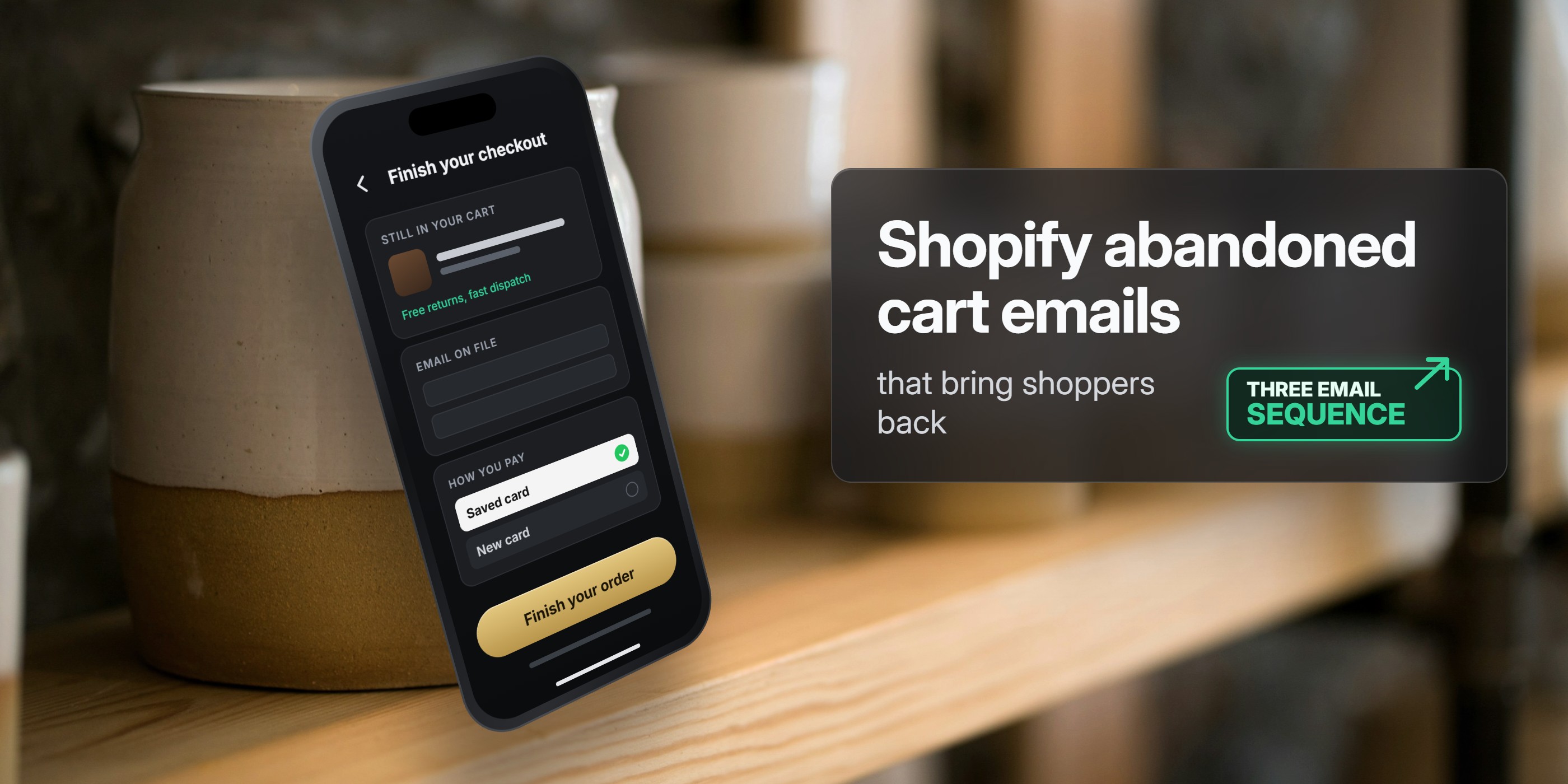
- We'd start with three emails, a reminder after about an hour, an answer a day later, then a final note.
- Keep discounts out of the first two emails, because every code also pays shoppers who would have returned anyway.
- Shopify marks a checkout recovered even when the shopper returned without clicking, so treat recovered revenue as a ceiling.
Shopify abandoned cart emails are the reminders your store sends when a shopper leaves products behind, each one carrying a link that takes them straight back to their cart. Shopify Messaging, formerly Shopify Email, sends abandoned checkout reminders free through its Recover abandoned checkout automation. How many carts come back depends on the sequence you build around it, meaning when each email goes, what it says and whether a discount ever appears.
There’s a lot to win back. Baymard Institute’s average of 50 studies puts the online cart abandonment rate at 70.22%, and 43% of US shoppers in its survey had left a cart because they were just browsing or not ready to buy. Email reaches the shoppers who were interrupted or unsure, not the ones who never meant to buy. Changing your checkout so fewer people leave is separate work, covered in our guide on how to reduce cart abandonment. This guide is about the emails.
Which Shopify abandoned cart shoppers can you actually email?
You can only email shoppers whose address Shopify already has, and which of its three abandonment automations reaches them depends on how far they got.
| Where the shopper stopped | Shopify automation | Who receives it by default | Counts toward your free emails |
|---|---|---|---|
| Entered an email at checkout, didn’t pay | Recover abandoned checkout | Email subscribers | No, always free |
| Added products, never started checkout | Recover abandoned cart | Email subscribers only | Yes |
| Viewed a product, added nothing | Convert abandoned product browse | Email subscribers only | Yes |
The checkout group is the one worth building a full sequence for. Those shoppers typed an email address into your checkout and then stopped, and Shopify lists every one of them under Orders, then Abandoned checkouts. Only checkouts from the Online Store and Buy Button sales channels qualify for the automated email.
Some of those checkouts weren’t abandoned by choice. Each one keeps a record of payment attempts, and Shopify’s help center lists failures such as a declined card, a failed 3-D Secure check, stock that ran out and a discount code that could no longer be used. A shopper whose card was declined needs help paying, not a reminder that they forgot, so read those records before you write the copy.
Is your store on the legacy or the new abandoned checkout automation?
If your store has been open a while, it may still be running the legacy one, and the difference changes what you can build. Shopify has been moving abandoned checkout emails into Marketing, then Automations, where the legacy version appears as Abandoned checkout emails by Shopify, with simple Send to and Send after settings. You can keep it until Shopify removes it, and the help center now labels its original abandoned checkout page as describing the legacy experience.
| Setting | Legacy abandoned checkout email | New abandoned checkout automation |
|---|---|---|
| Where you edit the email | The Abandoned checkout notification template | The Shopify Messaging editor, from Marketing > Automations |
| Design | Your logo and color scheme | Editable sections, text, logo and colors |
| Who receives it | The group you pick under Send to | Email subscribers by default |
| Timing | One Send after delay | A wait time you edit in Shopify Flow |
| Adding a discount | Edit the template code so the cart link applies a code | Add a discount in the editor |
Two points matter before you switch. Opting in is permanent, and Shopify’s help center says you can’t change back to the legacy emails afterward. Your first new automation carries over your old settings, while any second abandoned checkout automation defaults to a 10-hour wait and sends only to subscribers.
Build your sequence on the new version. Its workflow lives in Shopify Flow, where you can change when the email sends, and its editor lets you write a real email rather than tweak a notification.
How do you set up abandoned cart recovery on Shopify?
Abandoned cart recovery on Shopify starts from a template, and on the new automation the setup takes a few minutes. Your store needs the Basic plan or higher, and Shopify says it needs the Shopify Flow app installed for full functionality. Whoever does the setup needs both the Marketing and Flow App permissions on their staff account.
Start from the Recover abandoned checkout template under Marketing, then Automations, and open it in the Shopify Messaging editor. Before you touch the design, settle the lines a shopper reads first, the subject, the preview text and the From address, because they decide whether the email gets opened at all. Add a discount only if you’ve already decided to use one, and send yourself a test before you turn the automation on.
Then repeat the steps with Recover abandoned cart to reach subscribers who never got as far as checkout. That one costs you sends. Shopify gives you 10,000 free emails a month and counts cart and browse emails against them, while abandoned checkout emails are never counted, so get the checkout sequence working before you add the others.
When should each abandoned cart email go out?
Send the first email about an hour after the checkout stalls, the second about a day later and the third two to three days after abandonment. That’s our starting point, not a Shopify setting, and the reasoning matters more than the exact hours.
Shoppers leave for different reasons, and each reason fades at its own speed. Someone interrupted by a phone call still has the products in mind an hour later, so a quick reminder catches them before they settle on something else. Someone comparing prices or waiting for payday needs longer, and an email the next day meets them when they’re ready to decide. Don’t go much faster than an hour, either. Shopify’s legacy experience doesn’t even count a checkout as abandoned until it has sat incomplete for more than ten minutes after the shopper entered an email.
Shopify’s default is much slower. Its Recover abandoned checkout template is described as sending an email 10 hours after a customer gets to checkout but doesn’t place an order, and a second abandoned checkout automation also defaults to 10 hours. You can adjust the wait, and we’d shorten it for the first email. A shopper who leaves at 8 p.m. gets a 10-hour reminder at 6 a.m., long after the moment has passed.
Treat every timing as a test. Change one wait at a time and compare the automation’s orders and conversion rate over a month, since a store with a few dozen abandoned checkouts won’t get a clean answer from a single week.
How many emails should the sequence have?
We’d start most stores on three emails. The first reminds, the second answers the objection that most likely stopped the order, and the third makes a last, honest case. A fourth mostly reaches people who’ve already decided against buying, and they’re the readers most likely to unsubscribe or report you as spam. Shopify’s deliverability guidance notes that Gmail and Yahoo have enforced a complaint rate below 0.3% since February 2024, and it recommends staying under 0.1%.
| When we’d send it | Its job | Discount | |
|---|---|---|---|
| One | About 1 hour after abandonment | Show the cart and make returning effortless | None |
| Two | About 24 hours after | Answer the question most likely to have stopped the order | None |
| Three | 48 to 72 hours after | A final reminder with an honest reason to decide | Optional, for first-time buyers only |
Shopify’s Recover abandoned checkout template sends one email, so the built-in way to add more is another automation. The help center confirms you can create a second abandoned checkout automation, and you can change its wait in Shopify Flow. Give each automation its own wait, counted from abandonment, and its own email. Want branching, such as a different third email for large carts? That’s where an email app with multi-step flows earns its cost.
Every email also needs a way out. Shopify skips an abandoned checkout email when the shopper completes a purchase before it sends, so a buyer drops out of the later automations on their own. If you build the sequence in an app, check that it stops for buyers too. Nothing spends a new customer’s goodwill faster than a “you forgot something” email the day after they paid.
What should the first email say?
Very little. The first email is a reminder with a button, and its whole job is to make coming back effortless. Shopify’s email templates pull products, prices and checkout links straight from your store, so the shopper sees exactly what they left. Showing those items is the simplest form of ecommerce personalization, and the template handles it for you.
Keep it short enough to read on a phone without scrolling far. Lead with the products, put one button directly under them and add a single line that removes a worry, such as your delivery time or returns window. Leave out the newsletter content, the block of social links and any second offer, because every extra element competes with the button you want pressed. Here’s a version you can adapt.
- Subject line. “You left something in your cart” or “Still thinking it over?”
- Preview text. “Your [product name] is one click away.”
- Headline. “Here’s what you left behind.”
- Body. The cart items, then one line such as “Orders ship within [your dispatch time], and returns are free for [your returns window].”
- Button. “Finish your order.”
- Footer. Your store’s postal address and an unsubscribe link.
How do you write the subject line?
Write it last, from the most specific thing in the email. The product or the cart itself beats a clever pun, because the shopper should recognize the email as theirs at a glance. Keep it to a few words so a phone doesn’t cut it off, and let the preview text finish the thought rather than repeat it. Never promise what the email doesn’t hold, such as a discount that isn’t there, since the FTC requires a subject line that accurately reflects the message.
Adapt this Shopify abandoned cart email template for emails two and three
The second email earns its place by answering a question, so start from what your shoppers actually ask. Read your support inbox, chat logs and product reviews for the doubts that come up before a purchase, such as sizing, delivery dates or returns. Costs come up most. Of shoppers in Baymard’s survey who left for a reason other than browsing, 39% blamed extra costs such as shipping, tax and fees, so if your shipping isn’t free, state the cost plainly.
- Email two subject line. “Questions about your order?” or “Will it fit? Here’s how to check.”
- Email two body. “Not sure about the fit? Our size guide gives exact measurements for every product, and the reviews show what other customers thought. Reply to this email with any question and we’ll answer it.” Swap the fit line for your own most common question.
- Email three subject line. “One last reminder about your cart.”
- Email three body. “[Product name] is still in your cart. ‘[One-line customer review]’ If now isn’t the right time, that’s fine. If you still want it, your cart is one click away.” Add a line about low stock only if stock really is low.
- Email three offer. Free shipping or a modest code, shown only to first-time customers if you use one at all.
Every answer you put in email two is one your product page didn’t give. Move those answers onto the page as well, using the checks in our guide to Shopify store optimization, and the number of carts that need an email starts to shrink.
Email three should feel like a courtesy, not pressure. Restate why the product is worth having, let a customer say it in their own words, and give the shopper permission to walk away. That last line sounds counterproductive, but it lowers the odds of a spam report from someone who simply changed their mind.
Should you put a discount in abandoned cart emails?
Usually not in the first two, and only selectively in the third. Shopify makes discounts easy. The new automation lets you add one in the editor, and on the legacy email you can edit the template so the cart link applies a code automatically. Its help center even calls a discount a great way to encourage customers to complete their checkout. The catch is who pays for it.
A discount in the recovery sequence goes to every shopper who returns through it, including the ones who would have come back anyway. Say your average order is $80 and the sequence brings back 25 orders a month. A 10% code on all of them costs $200 a month, and if half those shoppers would have returned without it, $100 of that bought nothing. Shoppers who notice the pattern also learn that leaving a cart earns a code, and some start leaving on purpose.
Our rule is to keep codes out of emails one and two. In email three, offer something only to first-time customers or on carts with enough margin to absorb it. We’d usually try free shipping before a percentage, because it removes the cost that stops the most shoppers.
Two Shopify details matter if you use the legacy email. A recovery discount replaces any code the shopper had already entered at checkout, which can leave them worse off than before. And Shopify doesn’t add a message explaining the discount, so write one into the email yourself, or the shopper won’t know why the price changed.
Do you need Klaviyo or another app for abandoned cart emails?
Not to start. Shopify Messaging sends abandoned checkout reminders free, reads your products and customers directly and runs its workflows in Shopify Flow. An app earns its cost when you can name something specific the built-in tool doesn’t do for you, most often branching by cart value or customer history, text messages in the same recovery flow, or reporting across every channel.
Take Klaviyo, whose Shopify App Store listing says more than 117,000 brands use it with Shopify. The listing advertises cart recovery, abandoned cart and browse abandonment automations, segmentation, A/B testing and a Shopify Flow connection. Its free plan covers email for up to 250 contacts and 150 SMS or MMS credits. Paid plans start at $15 a month for SMS, and email starts at $20 a month for 251 to 500 contacts.
Compare the pricing models before you move. Shopify Messaging charges by emails sent, with the first 10,000 each month free and abandoned checkout emails never counted. Klaviyo’s email plans are priced by contacts, so the bill grows with your list whether or not you email everyone on it. Our comparison of Shopify email apps runs through the main options.
If you switch, turn off Shopify’s abandonment automations before you turn on the app’s. Shopify warns that two active welcome automations send customers twice as many emails, and two cart flows double up in the same way, which is a quick route to spam complaints.
How do you measure the revenue you actually recovered?
Start with Shopify’s own numbers, then discount them. Each automation’s page under Marketing, then Automations, shows reach, sessions, orders, conversion rate and sales, where sales means net sales plus taxes and shipping. The Abandoned checkouts emails report adds average order value, the average number of products sold and how many buyers were first-time customers. On the Abandoned checkouts list, every checkout shows an email status and a recovery status.
Here’s the catch. Shopify counts a checkout as recovered when the customer completes the order after the email is sent, whether they clicked the link in the email or came back on their own. So recovered revenue includes orders the email didn’t cause, such as the shopper who was always going to buy once payday arrived. Treat the figure as a ceiling, not a result.
To learn what the emails really add, hold back a random slice of abandoners and compare how many in each group bought within a week. An app with A/B testing in its flows makes that easier. On the built-in automation, a rougher check compares completed checkouts as a share of checkouts started in the month before the sequence and the month after, knowing that seasons and promotions move both.
Then report one number, recovered sales per abandoned checkout. Divide the automation’s sales by the number of abandoned checkouts in the same period. It rewards reaching more of your abandoners as well as converting them. Expect Shopify and Google Analytics to disagree too, since Shopify’s email reports credit orders using a last non-direct click model by default, and our guide to ecommerce tracking in GA4 explains how Google decides which channel gets the credit.
What do consent rules require of cart reminders?
In the US, the CAN-SPAM Act covers every email whose primary purpose is commercial, and we’d treat every cart reminder as one. The FTC’s compliance guide limits transactional email to a short list of purposes, led by facilitating, completing or confirming a transaction the recipient has already agreed to, and it says the law views those categories narrowly. A shopper who left your checkout hasn’t agreed to buy anything, and an email showing products with a button to buy them reads as promotion. The FTC’s guide lists what each one needs.
- Accurate From, To and Reply-To details that identify your business.
- A subject line that accurately reflects what’s in the email.
- A clear disclosure that the message is an ad, though the law gives you leeway in how you make it.
- Your valid physical postal address, which can be a street address or a post office box registered with the US Postal Service.
- A clear way to opt out, honored within 10 business days and kept working for at least 30 days after you send.
The FTC’s guide puts penalties at up to $53,088 for each email that breaks the law. It also says both the business whose product is promoted and the company that sends the email can be held responsible, so sending through an app doesn’t move the risk off you.
Shopify adds a decision of its own. The abandoned checkout automation sends only to email subscribers by default, and whether you may email shoppers who never subscribed depends on the rules where your customers live, which CAN-SPAM doesn’t settle for shoppers outside the US. If you collect consent with the checkout checkbox, Shopify’s help center also says to change its default label, which promises news and offers, once you send cart reminders. This isn’t legal advice, so ask a lawyer before you email anyone who hasn’t subscribed.
Where do cart emails fit with the rest of your flows?
The cart sequence is one automation among several, and the risk is overlap. Shopify guards part of it for you, since its cart and browse templates skip customers who received an abandoned checkout, cart or browse email in the last 14 days. Shopify’s welcome templates describe no such exclusion, though, so a shopper who subscribes through a popup and then abandons a checkout can get your welcome email and your first cart email in the same afternoon. Map everything a new subscriber could receive in their first three days, and where the two collide, let the cart email lead, because it’s about products the shopper already chose.
Every flow also shares one sender reputation, so a spam complaint about a pushy cart email counts against your welcome series and campaigns too. That’s another reason to cap the sequence at three emails and stop it the moment someone buys.
Build the rest once the cart sequence is earning. The welcome series, post-purchase emails and win-back are covered in our guide to Shopify email marketing, with the settings for each in your admin. For layouts you can adapt to each of those flows, use our ecommerce email templates.
What we’d set up first on a store with no cart emails
We’d begin with the abandoned checkout automation alone, because it’s free and reaches the shoppers closest to paying. Check whether the store is on the legacy email, record its settings and then move to the new automation, so the sequence can live in Shopify Flow. Write email one, set its wait to about an hour and test it with a real checkout.
Once a few weeks of results are in, add email two at around 24 hours, built on the top question from your support inbox. Email three comes last, at 48 to 72 hours, with any discount limited to first-time buyers. After that, add the abandoned cart automation for subscribers who never reached checkout, and only then the browse reminder. Track recovered sales per abandoned checkout from the first week, and hold some shoppers back once you have the volume to see a difference.
This week, open Marketing, then Automations, and check which abandoned checkout email your store is running and how long it waits. If it’s the legacy email or the wait is long, that’s your first change. If you’d rather hand the writing, testing and running to a team, that’s work we sell to Shopify stores, so read our advice knowing we have that stake, and see what our Shopify email marketing agency service covers.
Frequently asked questions
How to recover an abandoned cart?
Send the shopper a reminder with a link that restores their cart, then follow up once or twice if they don't come back. On Shopify, the Recover abandoned checkout automation under Marketing, then Automations, sends that link free. We'd send the first email about an hour after the checkout stalls, answer the likely objection a day later and keep any discount for a final email. Fixing the costs and checkout problems that made shoppers leave wins back more than any email.
Does Shopify send abandoned cart emails?
Yes, once you turn the automation on. Shopify Messaging includes Recover abandoned checkout and Recover abandoned cart templates under Marketing, then Automations, on the Basic plan or higher. Both send to email subscribers by default, and abandoned checkout emails never count toward your monthly sends. Older stores may still run the legacy abandoned checkout email until they opt in to the new automation, which can't be undone.
What does "abandoned checkout" mean on Shopify?
It means a shopper entered their email address at checkout but left without paying. Shopify lists these under Orders, then Abandoned checkouts, with a record of any failed payment attempts. In the legacy experience, Shopify waits until a checkout has sat unfinished for over ten minutes after the email was entered before calling it abandoned. An abandoned cart is different, because the shopper added products but never started checkout.
How long to wait before sending an abandoned checkout email?
We'd wait about an hour for the first email. That gives a shopper who's still deciding time to finish on their own, and it reaches someone who was interrupted while the products are still on their mind. Shopify's own template waits 10 hours, but you can change that in the automation's workflow. Change one wait at a time and compare orders over several weeks.
How many emails should be in an abandoned cart flow?
We'd start most stores on three. The first reminds the shopper, the second answers the objection most likely to have stopped them, and the third makes a final case, with a discount only if you use one at all. Extra emails mainly reach people who've decided not to buy, which raises unsubscribes and spam complaints and can hurt the delivery of everything else you send.
Are abandoned cart emails legal?
Yes, in the US, as long as they follow the CAN-SPAM Act. The FTC's guide for commercial email requires accurate sender details, an honest subject line, a disclosure that the message is an ad, your physical postal address and a working opt-out honored within 10 business days. Some countries set stricter consent rules, so check where your customers live, and ask a lawyer before you email shoppers who never subscribed.
Does Klaviyo do abandoned carts?
Yes. Klaviyo's Shopify App Store listing includes cart recovery, abandoned cart and browse abandonment among its automations, built on data it syncs from Shopify. Its free plan covers email for up to 250 contacts, and paid plans start at $15 a month for SMS, with email from $20 a month for 251 to 500 contacts. If you use it, turn off Shopify's own abandonment automations so shoppers don't get two reminders.
How can I view abandoned carts on Shopify?
Go to Orders, then Abandoned checkouts, in your Shopify admin. The list shows each checkout's email status and recovery status, and opening one shows its history, including any failed payment attempts. You can also export abandoned checkouts when you export your orders. Shopify removes old entries on Mondays once they're more than three months old, haven't been updated in a month and have no order attached.