In this article
- BigCommerce listed up to 3, 5 or 8 storefronts by plan, charging $30, $50 or $100 a month per added one.
- BigCommerce lists price lists on Enterprise only, so lower plans start every storefront from the same catalog price.
- Shopify expansion stores must carry your main brand, and they don’t share products, inventory or settings by default.
- Adobe Commerce can set prices per website but never per store, so differently priced brands need separate websites.
- On WordPress Multisite, each WooCommerce store keeps its own database tables, and only user accounts are shared.
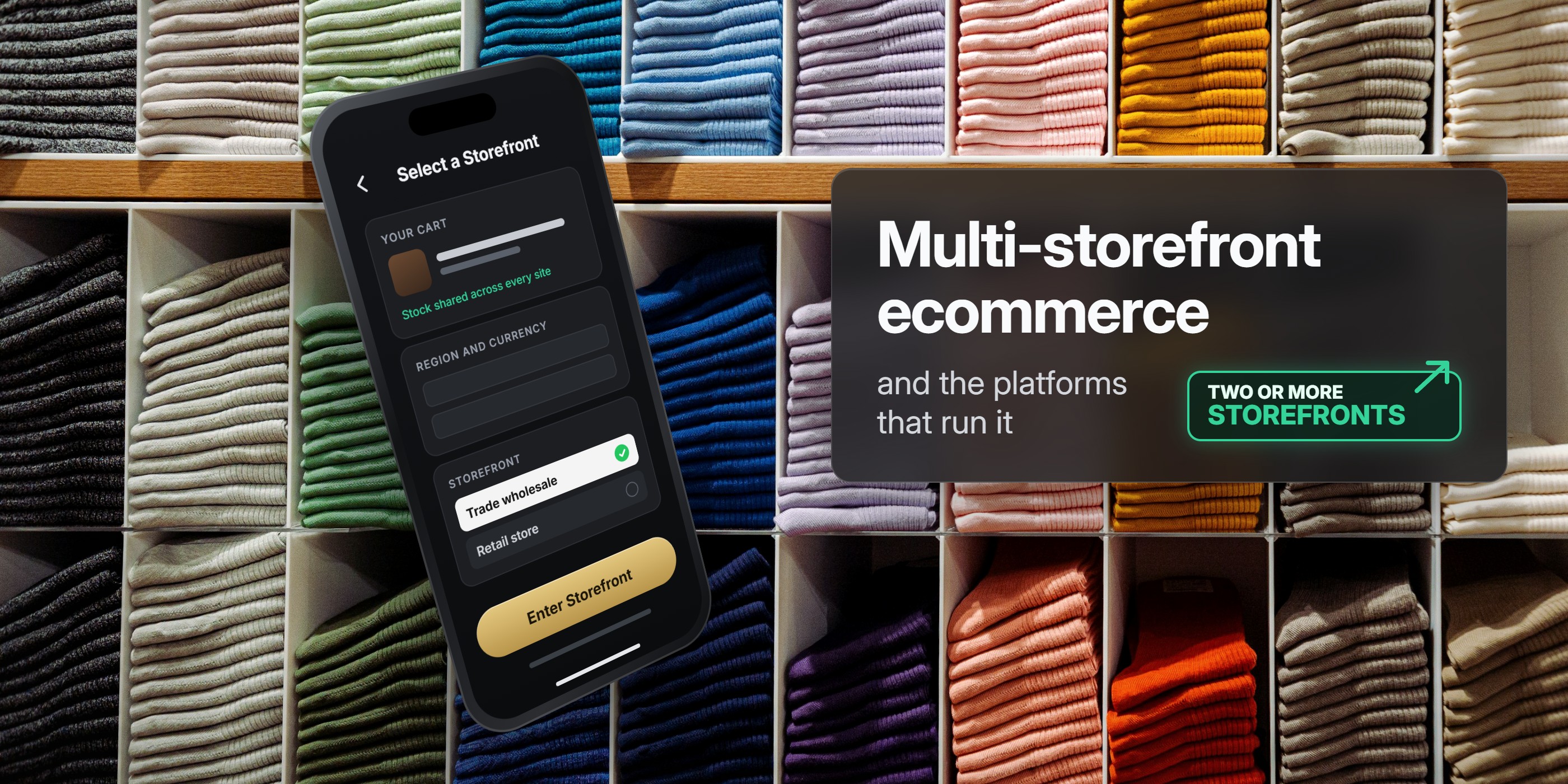
A multi-storefront setup runs two or more online stores, each with its own web address, design, product range and prices, from one ecommerce backend, so stock, orders and reporting stay in one admin. It suits a business selling under several brands, in several countries or to both trade and retail buyers. BigCommerce and Adobe Commerce build it into one backend. Shopify covers most of it inside one store with Markets and adds separate expansion stores on Plus, and WooCommerce runs separate sites on WordPress Multisite, so each platform shares different parts of the store and charges for it differently.
That difference is where the money goes. Pick a platform that keeps stock or customer accounts apart when you needed them shared, and your team ends up rekeying orders, syncing inventory by hand or paying for an app to glue stores together. We build stores on Shopify Plus and BigCommerce, so we earn on either choice, and this guide ends with a link to our BigCommerce service.
What does multi-storefront mean in ecommerce?
It means one ecommerce backend serving several customer-facing stores. Each storefront has its own domain and can carry its own theme, product selection, prices, currency and language, while products, inventory, orders and staff logins live in one place. Your shoppers see separate sites. Your team sees one store.
Vendors use three words loosely, and the difference decides what you are buying.
- A storefront is a website shoppers buy from, on its own domain, subdomain or subfolder.
- A channel is anywhere you sell. Storefronts are channels, and so are marketplaces like Amazon and eBay, social shops and point of sale.
- A store, on most platforms, is the backend account with its own catalog, admin and bill.
BigCommerce’s developer documentation draws the same line. It defines a channel as “a place where a merchant’s store sells products” and counts storefront websites, marketplaces, point-of-sale systems and marketing feeds as sales channels. A site, in its terms, is a website tied to exactly one channel.
So listing your catalog on Amazon is multichannel selling, not a second storefront. Running a wholesale site and a retail site from the same catalog and the same stock count is the setup this guide covers.
Why run multiple storefronts from one backend?
Most stores that add a second storefront do it for one of four reasons.
- Brands. Two product lines sold under different names but shipped from the same warehouse.
- Regions. Countries that need their own currency, language, prices or legal pages.
- Business models. A wholesale site for trade buyers next to a retail site for consumers.
- Niches and tests. A single-category store aimed at one audience, or a members-only store.
The case for one backend is shared stock. When two storefronts draw from one inventory count, a sale on either site reduces the same number, so you don’t sell a product that just sold out on the other site. Orders land in one queue for your fulfillment team, and your reports cover the whole business without exporting from two systems and merging spreadsheets.
The case against is the work. Every storefront is another site to design, write, translate, keep fast and get indexed. It needs its own legal pages, its own redirects when products change, and its own marketing to bring visitors in. A second storefront that nobody maintains splits your attention without adding sales, so count the people who will run it before you count the features.
How do BigCommerce multiple storefronts work?
BigCommerce calls the feature Multi-Storefront, or MSF, and builds it on channels. Every BigCommerce store starts with one storefront channel that can’t be deleted, and each storefront you add gets its own channel and its own site. The developer docs say merchants “can maintain multiple websites, on which they can configure and customize the look, feel, pricing, and organization of the shopping experience to support multiple distinct brands or sales goals.”
Here is what each storefront shares and what it keeps to itself, according to BigCommerce’s multi-storefront API guide.
- Catalog, shared. Products live in one catalog, but “Products must be explicitly assigned to a channel to be sold on that channel.”
- Category tree, separate. You can build several trees, and the docs note a tree “may only be assigned to a maximum of one channel.”
- Customer accounts, tied to a channel. Each account records the channel it was created on, and email addresses “must be unique within each channel, rather than within the store,” so one shopper can hold two accounts on two storefronts.
- Pages, redirects and scripts, separate. Each belongs to one site.
- Themes, partly shared. Themes stay global to the store, and each storefront can run its own theme configuration.
- Orders, shared. Orders sit in one list, tagged with the channel they came from, so you can filter by storefront.
Settings work by inheritance. BigCommerce’s configuration docs say “Each new channel will use the store’s global default values unless the merchant chooses to override them,” so you only change what differs, such as the store name or contact details. If you’re still deciding whether BigCommerce suits you at all, our BigCommerce review covers the platform beyond storefronts.
What does a BigCommerce multi-store setup cost?
BigCommerce prices extra storefronts as a monthly add-on to your plan. Its pricing page listed four plans, with these storefront limits and add-on prices.
| Plan | Billed monthly | Billed annually | Storefronts | Each additional storefront | Online sales per year |
|---|---|---|---|---|---|
| Standard | $39/mo | $29/mo | Up to 3 | $30/mo | Up to $50K |
| Plus | $105/mo | $79/mo | Up to 5 | $50/mo | Up to $180K |
| Pro | $399/mo | $299/mo | Up to 8 | $100/mo | Up to $400K, then more per tier |
| Enterprise | Custom | Custom | Contact sales | Contact sales | Custom |
Two plan details matter more than the add-on price. Price lists, which let the same product carry a different price per channel or customer group, appear only on Enterprise in the plan table. Without one, BigCommerce falls back to the catalog’s default price, so on Standard, Plus and Pro the same product starts at the same price on every storefront. Customer groups, which BigCommerce describes as a way to “Segment your customers for pricing, product access and promotions,” start on Plus.
Here’s a worked example. Three storefronts on Plus cost the $105 plan plus two added storefronts at $50 each, or $205 a month on monthly billing, before apps, themes and payment fees. Eight storefronts on Pro come to $399 plus seven at $100, or $1,099 a month. For the full fee picture, see our breakdown of BigCommerce plan prices and fees.
What can Shopify Markets do from a single store?
Shopify’s answer to most multi-region needs is Markets, not more stores. Its pricing page listed Markets on every plan, from Basic to Plus, as a way to “Manage global sales from a single store with Markets.” Within one store you can set product prices by market, assign local domains or subfolders, translate the storefront and show prices in local currencies, which the page notes requires Shopify Payments.
Local storefronts, which let you “Tailor your shop’s layout, imagery and messaging for customers in different markets,” were listed on Advanced and Plus only. On Basic and Grow, that market-by-market tailoring of the storefront itself wasn’t part of the plan.
If your second storefront is really the same store in another currency or language, Markets may cover it without a second backend. Your catalog, inventory, orders and apps stay in one store, and you avoid paying for and maintaining another one. Markets stops being enough when the storefronts differ in more than locale, such as a separate catalog for a new product line, a separate legal entity or a separate brand.
There’s one more route inside a single store. Shopify’s pricing page listed one headless storefront on Basic, Grow and Advanced and up to 25 on Plus, each a custom front end built with Hydrogen, Shopify’s React-based toolkit. That suits teams with developers who want different experiences on one backend, and our guide to going headless on Shopify covers what it costs to build and run.
When do you need Shopify Plus expansion stores?
You need them when one Shopify store can’t hold the difference, and they come with rules worth reading before you plan on them. Shopify’s help center describes expansion stores as “additional .myshopify.com stores that fall under the same organization and contract on your Shopify Plus plan,” with one main store and nine expansion stores included at no extra cost.
They are separate stores, not storefronts on one backend. The same help page says “Store settings, products, collections, and inventory aren’t synced between stores. They don’t share data by default,” and suggests third-party apps or ERP systems where you need inventory synced. You can import themes, products and files when you create the store, but only then. Apps are billed per store, and theme licenses are required for each production store.
The bigger catch is branding. Expansion stores must “Be identical to the main brand with respect to store name and other branding” and carry the same types of goods. A genuinely different brand falls under what Shopify calls a multi-brand agreement, which “requires each brand to have its own separate Shopify Plus plan subscription.” Pre-approved uses include international stores, one free B2B wholesale store per contract, employee stores and physical retail.
Plus itself started at $2,300 a month on a 3-year term, or $2,500 on a 1-year term, and the help center noted a variable platform fee for more complex, higher-volume businesses. Our guide to what Shopify Plus costs in full covers that fee. Below Plus, each store you add to an organization picks its own plan, so three stores mean three subscriptions.
How does Adobe Commerce split websites, stores and store views?
Adobe Commerce, and Magento Open Source with it, builds several storefronts into its core data model. Adobe’s documentation says “A single installation can have multiple websites, and each website can have multiple stores and store views,” with settings cascading from global to website to store to store view. Adobe’s product page pitched it as support for “multiple storefronts for various brands, product lines, or geographic regions, all from a single platform.”
- Websites can each have their own domain. A website is where top-level configuration lives.
- Stores under one website “share the product catalog, but can have a different selection of products and design,” and they share the admin and checkout. Each store has its own root category, which becomes its main menu.
- Store views handle translation and currency symbols, and each one can have its own base URL.
The choice that matters is which layer each storefront lives on. Adobe’s price scope works at the global or website level, and the docs say Commerce “does not allow setting a product price for each store.” Customer accounts can be shared globally or limited to the website where they were created. So two brands with different prices belong on two websites, while two languages of one brand fit as two store views.
Adobe’s Commerce page showed no price, only a demo booking, so expect a sales conversation and developer time. Your own team or an agency configures and extends the websites, stores and views.
Can WooCommerce run multiple stores on WordPress Multisite?
Yes, through WordPress Multisite, though it works differently from the hosted platforms. The WordPress handbook describes Multisite as a way to “create several instances of WordPress managed within one installation,” used by “business sites that share some resources, such as the theme or plugins, and have different content for their regions.” Sites can run on subdirectories, subdomains or separate domains.
The catch sits in one line of that handbook. “The content in a Multisite has its own unique tables in the database, only the user table is shared between the instances.” Each WooCommerce store on the network therefore keeps its own products, stock and orders. Only logins carry across. To share a catalog or stock count, you add a sync plugin or an inventory system, and that layer becomes the part you test hardest.
WooCommerce’s core costs nothing, in its own words “Our core platform is free,” but you pay for hosting that can carry a network, paid extensions and the person who updates every site. Check how each paid extension counts sites before you buy, because a license sized for one store may not cover the whole network.
Multisite makes sense when your storefronts are fairly independent and you want them on one WordPress install for shared themes, plugins and updates. It’s a weak fit when the whole point is one shared inventory, because that is exactly the part Multisite keeps separate.
Multi store ecommerce platforms compared side by side
The four platforms solve the same problem in four ways. This table sets out how each one adds storefronts, what stays shared and what you pay to the platform itself.
| Platform | How extra storefronts work | Limit | What stays shared | Platform cost |
|---|---|---|---|---|
| BigCommerce | Channels and sites inside one store | Up to 3, 5 or 8 by plan, Enterprise through sales | Catalog, orders, default settings | $39 to $399/mo plan, plus $30 to $100/mo per added storefront |
| Shopify with Markets | One store, localized by market | One store | Everything | $39, $105 or $399/mo, Plus from $2,300/mo |
| Shopify Plus expansion stores | Separate stores in one organization | Main store plus 9 | Users and billing only | Included in Plus, apps billed per store |
| Adobe Commerce | Websites, stores and store views in one installation | Multiple websites per installation | Catalog, plus admin and checkout within a website | Not published |
| WooCommerce on Multisite | Separate WordPress sites in one network | Depends on your hosting | User accounts | Core free, hosting and extensions extra |
The table shows why choosing an ecommerce platform for multiple stores has no single answer. BigCommerce shares the most across separate storefronts for the least money. Shopify shares everything only while you stay inside one store. Adobe gives the finest control over what is shared, at the highest setup effort. For the wider picture beyond storefronts, see how the main ecommerce platforms compare.
Should B2B and B2C buyers get separate storefronts?
Sometimes, and the platforms disagree on whether wholesale belongs in its own site. Shopify’s pricing page listed B2B for Plus only, with the option to “sell B2B and DTC from a single store, or set up a separate B2B-only store,” and its expansion store rules allow one free B2B wholesale store per contract. BigCommerce can give trade buyers their own storefront and category tree, with customer groups from Plus and per-channel price lists on Enterprise. Adobe’s Commerce page lists company accounts “with multiple buyers, roles, and purchasing permissions.”
The deciding question is what your trade buyers see that retail shoppers must not. One blended store is simpler when wholesale customers buy the same products and only need different prices and payment terms after they log in. A separate wholesale storefront earns its cost when trade buyers need a different catalog, case-pack quantities, a login wall in front of everything, or a site that never shows retail promotions.
Watch the data trade-off. On a separate Shopify expansion store, wholesale stock is not synced with retail by default, so one warehouse means an app or ERP connection from day one. On BigCommerce, both storefronts draw on one catalog and one order list. Our comparison of B2B ecommerce platforms goes deeper on quotes, company accounts and wholesale pricing.
Should each country get its own storefront?
Only when the country needs something your current store can’t vary. Currency and language often fit inside one store. Shopify Markets adds prices by market on every plan, BigCommerce lists multi-currency on every plan, and Adobe’s store views carry translations and currency symbols. A separate storefront earns its place when the country needs a different catalog for compliance reasons, a different legal entity, different fulfillment or a locally known brand.
Either way, search engines need to know which version serves which shoppers. Google’s documentation on localized pages says hreflang helps Google “point users to the most appropriate version of your page by language or region,” and gives English pages for the US, GB and Ireland as a case where it’s recommended. Each version “must list itself as well as all other language versions,” and the alternate URLs “do not need to be in the same domain,” so it works across separate storefronts too.
Google also notes that localized versions are “only considered duplicates if the main content of the page remains untranslated.” A US and a UK storefront with the same English product copy are the case to mark up first. For the wider plan, from picking markets to shipping and duties, read our guide to cross border ecommerce.
What does running multiple storefronts really cost?
The platform fee is usually the smallest line. Budget for each of these per storefront, not once for the business.
- Platform and storefront fees. The add-ons above, a Plus contract or separate subscriptions.
- Themes. Shopify requires a theme license per production expansion store, and each storefront’s look needs its own design and testing time.
- Apps and extensions. Shopify bills apps per expansion store, so check how every app and extension you use is billed per storefront.
- Content and translation. Each storefront needs its own pages, product copy and legal text.
- Tracking, SEO and maintenance. Analytics, redirects and updates are set and tested once per storefront.
On plan fees alone, here’s how three storefronts compare on monthly billing. BigCommerce Plus with two added storefronts is $205 a month. Three separate Shopify stores on Grow are three subscriptions at $105, or $315 a month, plus a sync app if they share stock. Shopify Plus starts at $2,300 a month on a 3-year term and includes nine expansion stores, but only for one brand.
Those figures leave out what usually costs the most, which is the build and the people. A second storefront needs design, product data and launch work, then someone to keep it current every week.
When is a multi-storefront setup worth the cost?
It’s worth it when you would otherwise run two separate backends and pay for the gap between them. These are the signs.
- Two or more brands or business models draw from the same warehouse stock.
- Each storefront needs a different catalog or category structure, not just a different currency or language.
- Your team rekeys orders or syncs stock between systems by hand today.
- Trade buyers need a gated site that retail shoppers never see.
It’s not worth it when the only differences are currency, language or price by country and your platform handles those inside one store, as Shopify Markets does on every plan. It’s also premature when you don’t have the content or the staff to make a second site as good as the first, or when you’re testing an idea that a new collection on your current site could test for far less.
One check settles most cases. Write down what each planned storefront must share with the others and what must differ, then match that list against the platform rows above. If your must-share list includes stock and your platform keeps stock separate, you’re buying a sync project along with the storefront.
Where we would start with a second storefront
We’d start with that share-or-differ list, written per storefront before anyone opens a theme editor. If everything that differs is currency or language, stay on one store and use Markets, store views or multi-currency. If prices must differ per storefront on BigCommerce, price the Enterprise plan before you build, because price lists sit there. If you’re on Shopify with two brands, price separate subscriptions and a sync app against what Plus would cost you, since expansion stores won’t take a second brand.
Then launch the new storefront with its tracking, redirects and hreflang in place on the first day, not after a month of traffic you can’t measure. Assign products to the right channel, check customer accounts behave the way your support team expects, and place test orders from every storefront.
If BigCommerce is your platform and you want the second storefront scoped and built properly the first time, talk to our BigCommerce development agency about your plan.
Frequently asked questions
What is multi-ecommerce operations?
Multi-ecommerce operations means running more than one online store or sales channel as a single business, with stock, orders and fulfillment managed together behind them. It can mean several storefronts on one platform, separate stores tied together by an inventory or order system, or a store plus marketplaces such as Amazon. The aim is one source of truth for stock and orders, so a sale anywhere updates everything.
What does "multi store" mean?
Multi store means one business running more than one online store, usually from a shared backend. Some platforms use it for separate storefronts on one account, like BigCommerce’s storefront add-on, while others mean separate stores linked at the account level, like Shopify’s expansion stores on Plus. The difference decides whether products, stock and customer accounts are shared or have to be synced.
What is the difference between a store and a storefront?
A store is the backend account that holds your catalog, orders, settings and bill, while a storefront is the website shoppers browse and buy from. One store can power several storefronts. BigCommerce gives each storefront its own channel and site inside one store, while a Shopify Plus expansion store is a whole second store with its own products, inventory and settings.
What is a business storefront?
A business storefront is the customer-facing front of a business, the place where shoppers see what you sell and buy it. For a physical business it's the shop people walk into. For an online business it's the website, with its domain, design, product pages and checkout. Behind it sits the backend that holds stock and orders, which is why one backend can run several storefronts.
Which multi-store ecommerce platform is the best?
The best one is the platform that shares what your storefronts need shared. BigCommerce suits several storefronts on one catalog for a monthly add-on, Shopify suits one store selling to many countries through Markets, with same-brand expansion stores on Plus, and Adobe Commerce suits complex brand and price structures with developer support. WooCommerce on WordPress Multisite suits fairly independent stores that share themes and plugins.
What is an expansion store in Shopify?
An expansion store is an extra Shopify store under your Shopify Plus organization and contract, with up to nine included alongside your main store at no extra cost. Each one runs independently, with its own products, inventory and settings, and it must carry the same brand as your main store. Typical uses are another country, a wholesale store, an employee store or a physical retail location.
Is BigCommerce.com legit?
Yes. BigCommerce is an established hosted ecommerce platform run by a publicly traded company. Its parent, BigCommerce Holdings, renamed itself Commerce.com, Inc. on July 31, 2025, moved its Nasdaq ticker from BIGC to CMRC from about August 1, and kept BigCommerce as the name of the store platform. You can test it yourself with its 15-day free trial, which needs no credit card.