In this article
- Company accounts come first, because price lists, catalogs, payment terms and approval rules all attach to the account, not the buyer.
- In a Gartner survey released in June 2025, 61% of B2B buyers preferred buying with no sales rep involved.
- Repeat buyers order by SKU, so a quick order pad that accepts an uploaded order sheet matters more than browsing.
- Launch with accounts, price lists, search, quick order, reorder, terms and ERP sync, then add quote negotiation and approvals as accounts ask.
- Gartner found 69% of B2B buyers see inconsistencies between supplier websites and sellers, so sync prices from one system.
A B2B ecommerce website is an online store built for business buyers, so it has to know which company is ordering, show that company its own products and prices, and take payment on the terms you agreed. The features that make that work are company accounts with buyer logins, price lists, catalogs per buyer, search by part number, quick order pads, reorder, quotes, payment terms, purchase orders, approval rules, an account dashboard and a connection to your ERP.
Get them wrong and your wholesale accounts keep phoning and emailing their orders, because the site can’t show the price they negotiated or take payment the way their bookkeeper pays. Your team then rekeys every order into the accounting system, which is the work an online ordering site was supposed to remove. We build these sites, so read this as a builder’s checklist. Each feature below covers what the buyer sees, what it needs behind the scenes and what breaks without it.
What makes a B2B ecommerce website different from a retail store?
A retail store sells one price to anyone with a card. A wholesale buyer is a known business that has negotiated its price, orders the same products on a schedule, often pays by invoice, and may need someone else’s sign-off before an order goes through.
That changes what your site has to do. It has to identify the company before it shows a price, so most of the store sits behind a login. Orders are larger and they repeat, so fast order entry matters more than browsing. Payment is often deferred, so checkout has to create an invoice instead of charging a card.
Your buyers are ready for it. In a Gartner survey of 632 B2B buyers, run in August and September 2024 and released in June 2025, 61% said they prefer an overall buying experience with no sales rep involved. The same release found buyers still want a seller’s input when deciding whether a product fits their company’s needs. So the site’s job is the routine order, and your reps keep the judgment calls.
Picture a pet food distributor selling to independent stores. The store owner knows what sold last week and wants to reorder before the next delivery day. They need to log in, see their price, enter quantities and pick a payment option your credit team approved.
Company accounts and buyer logins come first
Every other B2B feature hangs off the account. A company account is one record for the business you sell to, holding its locations, ship-to addresses, tax status, price list, catalog and payment terms. Under it sit the buyers, the individual people who log in and order for that company.
Give each account a structure that matches the business. A chain with three stores needs three ship-to locations under one company, each with its own buyers and sometimes its own catalog or approval rule. An administrator on the buyer’s side should be able to add and remove their own users, so a staff change at the store doesn’t become a support ticket for you.
Settle three questions before you build. How does a new account apply, and who approves it? What does approval need, such as a resale certificate for tax-exempt purchases or a credit check for terms? And what can each role do, from a buyer who can only build a cart to an owner who sees invoices and manages users?
Skip accounts and you fall back on coupon codes or a shared wholesale password. Anyone who gets the code sees your trade prices, and you can’t tell which store placed which order without reading the shipping address.
How should your site show negotiated prices?
A wholesale price structure can stack three layers, and your site has to handle all of them. Tier pricing gives a whole customer group one price list, such as independent retailers on one list and chains on another. Volume breaks lower the unit price at set quantities. Contract pricing is the price you negotiated with one account, and it usually overrides the other two on the products it covers.
The site has to resolve all three for every logged-in buyer, on product pages, in search and in the cart. With many contract accounts, those prices have to load in bulk from your ERP or a file, not one at a time in an admin screen.
Write down the precedence rule before anyone builds anything. If an account’s contract price on an item is higher than the volume-break price on the same item, which one does the buyer pay? Software resolves these conflicts in different ways, and the answer your sales team gave the account is the one the site has to match.
Then decide what a logged-out visitor sees. Hiding prices until login protects your trade terms, while showing a suggested retail price helps a new store judge its margin. Either works, as long as a logged-in buyer never sees a price that disagrees with their invoice.
Catalogs per buyer control what each account can order
A catalog per buyer limits which products an account can see and order, separately from what it pays. You need one when a brand lets you sell a line only to certain account types, when some products are licensed for one region, or when a chain account has an approved product list its stores must order from.
Build catalogs from rules where you can, by brand, category or account type, rather than by hand-picking SKUs. A hand-picked catalog goes stale the first time you add a product line, and the account either can’t find the new product or sees one it shouldn’t. Rules also make a new account quick to set up, because you assign a catalog instead of building one.
Test catalogs the way a buyer meets them. Log in as a sample account from each group and look for a product that account shouldn’t see. If it turns up in search results, related products, a reorder list or a direct link, the catalog isn’t doing its job.
Quick order pads let buyers who know the SKU skip browsing
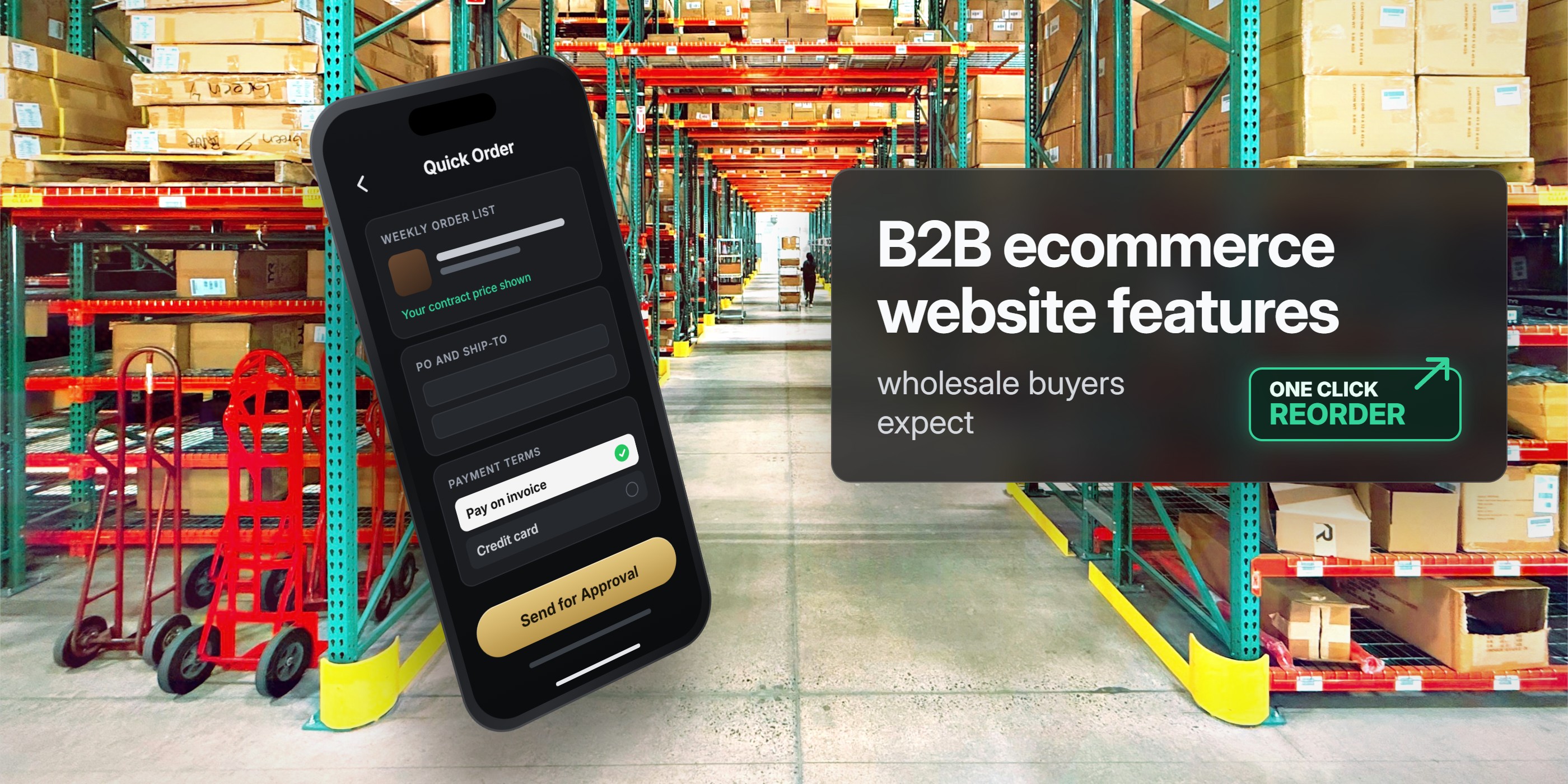
Repeat buyers don’t browse. They have a list of SKUs and quantities, often in a spreadsheet or their own purchasing system, and they want to enter it once. A quick order pad is a form where the buyer types or pastes SKUs or product names with quantities and sends everything to the cart in one step.
The form should take three kinds of input, which are typed SKUs with quantities, a block of rows pasted from a spreadsheet, and an uploaded CSV file. The upload is the part to insist on. A store owner who can upload last month’s order sheet will use your site, and one who has to search for every item separately will call your rep instead.
Bulk ordering also needs quantity rules. Set minimums, case packs and order increments per product, so a buyer can’t order a single bag of something you only ship by the case. When a line breaks a rule, the form should correct it or say why, not reject the whole order.
How do buyers find products when they don’t know the SKU?
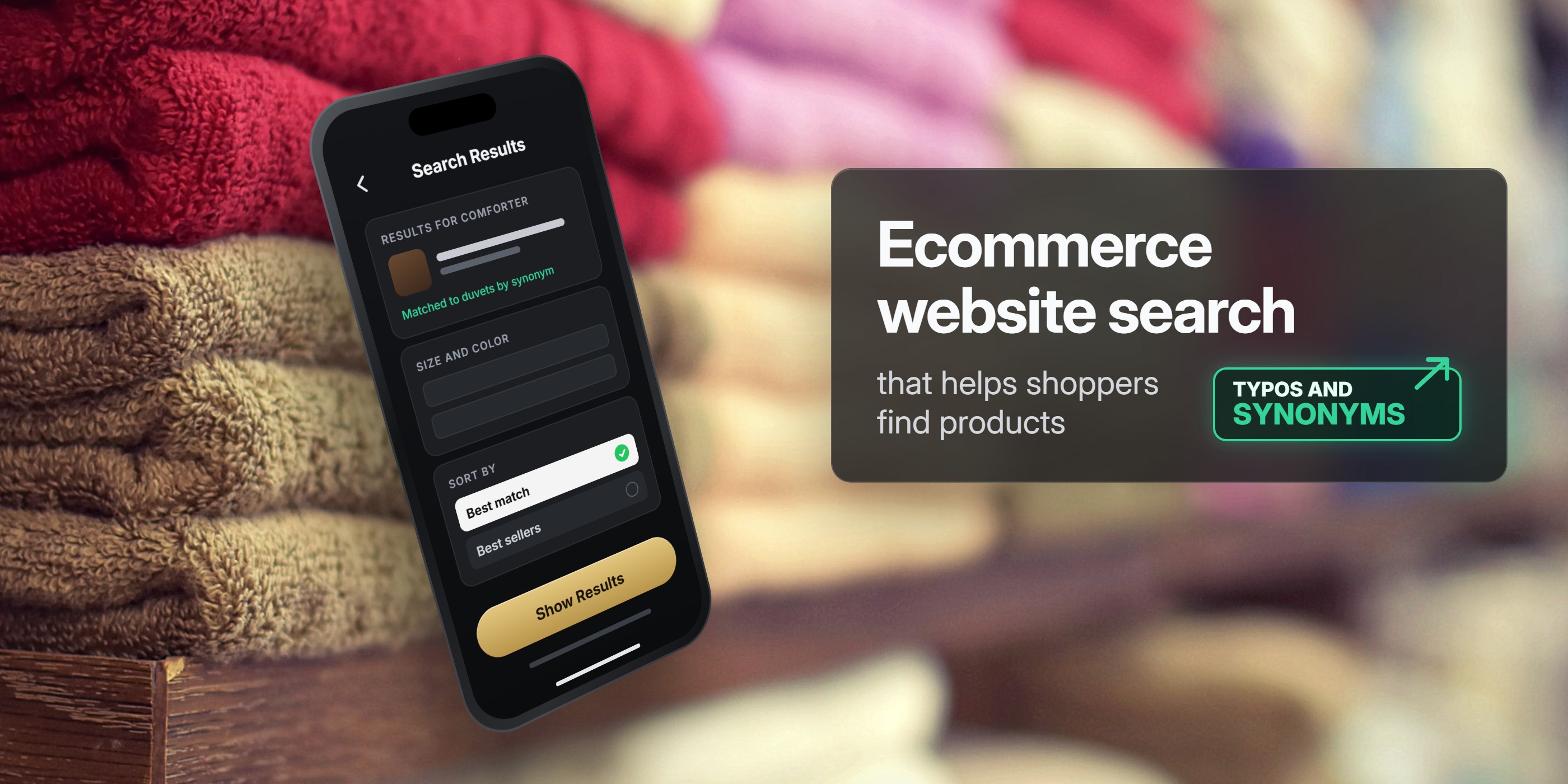
Not every order starts with a part number. A new store browsing your range, or a buyer replacing a discontinued item, needs to find products by what they are. Your search has to handle both kinds of query. It should match SKUs, UPCs and the old codes buyers carry over from their last supplier, as well as product terms and the trade names your customers use.
Filters do the rest. Wholesale buyers narrow by pack size, case quantity, brand and the attributes that matter in your category. Search should also respect the buyer’s catalog, so a product they can’t order never appears in their results.
Both run on product data. Give every item its pack size, case quantity, dimensions and a downloadable spec sheet as separate fields, not text buried in a description, and write the description for a buyer checking fit, as our product copy guide explains. Then review searches that return nothing, because they show you missing synonyms and products buyers expect you to carry.
Reorder should take one click, not a phone call
Wholesale accounts order the same products again and again, so reorder is the feature your buyers will use most. Give them three ways back to a past order. A reorder button on each order in their history copies it to the cart. Saved lists hold what a location orders each week. Shared lists let a head office set the list every store orders from.
Let buyers name lists by location or delivery day and share them across the account, so a new staff member orders from the same list as the person they replaced. A list should stay intact after it’s sent to the cart, ready for the next order.
Reorder only works if the old order still makes sense. When a product is discontinued or repackaged, the site should say so at the moment of reorder, offer the replacement if you have one, and charge the current price, not the price on the old order. A silent swap or a stale price turns a one-click reorder into a credit note. Falling reorder frequency is also the first sign an account is drifting, and our notes on keeping repeat customers ordering cover what to do about it.
Quotes handle the orders your price list can’t
Some orders shouldn’t go through at list price. A new chain placing an opening order, a pallet-sized order that changes your freight cost, a custom or configured product, or a buyer who needs a price to take into their own approval meeting all call for a quote.
A quote feature lets the buyer request a price from the cart and lets your sales team build one for them. The buyer and your rep go back and forth on quantities and discounts inside the quote, so the history stays with the order instead of in someone’s inbox. The final version should be a document the buyer can download and take to their approver.
Set three rules. Every quote expires on a date, because your costs move. An accepted quote turns into an order at the quoted price without anyone retyping it. And each quote request goes to a named person with a response time, because a request that sits in a shared inbox for a week loses the order to a supplier who answered first.
Payment terms let buyers order now and pay on invoice
Many wholesale accounts expect to pay on terms, not by card. Net 30 means the invoice is due 30 days after the invoice date, and net 15, 45 or 60 work the same way. Other terms include due on receipt, due on fulfillment and a fixed due date. Your site has to place the order, issue the invoice and track what’s owed without asking for a card.
Behind the scenes, terms work as a credit line on the company account. You set a limit, each order on terms draws it down, and each payment restores it. The buyer should see their available credit before they check out, not after an order is held.
Terms are a credit decision, so build the controls with your finance team. Decide who gets terms and at what limit, and what happens when an account is over its limit or has an invoice past due. The site can hold the order, let it through for review, or ask for a card. Keep card payment available for accounts without terms.
Purchase orders and approval rules fit how buyers spend
In larger accounts, the person who orders and the person who approves the spend are different people. A purchase order is the buyer’s internal document authorizing the purchase, and their accounts payable team matches your invoice to it before paying. An invoice without their PO number can sit unpaid while someone works out what it’s for.
At minimum, add a PO number field at checkout and print it on the invoice. The next step is approval rules inside the buyer’s company. Their administrator sets the rules, such as a spending limit per user, and an order that breaks a rule waits for approval instead of going through. When two rules apply, both approvers should have to sign off. Collect card details after approval, not before, because holding card data on an order that’s waiting for approval is a security risk.
A workable rule set for a multi-store account might look like this. Store managers build carts, orders above an amount the owner sets go to the owner, and products outside the approved list go to purchasing. Approvers act from an email link, and the buyer sees the status in their account.
An account dashboard answers the calls your team takes
Once buyers order online, the next calls are about everything after the order. Where is it? Can I get a copy of that invoice? How much credit do we have left? An account dashboard puts those answers behind the buyer’s login, so a buyer who needs last quarter’s invoices at midnight doesn’t wait for your office to open.
Give it order history with status and tracking, open and paid invoices with statements and a pay-now button, available credit and terms, saved lists, open quotes and purchase orders waiting for approval. Add the documents buyers ask your team for, such as spec sheets, safety data sheets and price list downloads. The buyer’s administrator also needs a place to add users, edit ship-to addresses and set who can approve what.
Every item on the dashboard should replace a call your team already takes. Ask your customer service team for the questions they hear most often, and check that each one has an answer a buyer can find in two clicks.
ERP integration decides whether any of this stays accurate
Every feature above depends on data your ERP or accounting system already holds, such as customers, price lists, terms, credit limits, stock and invoices. If the site and the ERP disagree, the buyer sees one price on screen and another on the invoice. Gartner’s June 2025 release found that 69% of B2B buyers report inconsistencies between the information on a supplier’s website and what its sellers tell them.
Decide which system owns each piece of data and which way it flows. Agree the timings below with your ERP team.
| Data | System of record | Direction | Typical timing |
|---|---|---|---|
| Companies, terms and credit limits | ERP | ERP to site | On change, or nightly |
| Price lists and contract prices | ERP | ERP to site | On change, or nightly |
| Stock levels | ERP or warehouse system | ERP to site | Several times an hour |
| Orders | Site | Site to ERP | As each order is placed |
| Invoices and payment status | ERP | ERP to site | Daily |
| Product content and images | Site or PIM | Site or PIM outward | On change |
The connector is where the time goes. Some ERPs have ready-made connectors for the major commerce platforms, while older or heavily customized systems often need middleware or custom code, so get your ERP vendor’s integration options in writing early. Test the sync with real accounts before launch, because a contract price that fails to load shows the buyer the wrong number on the first day.
Do you need a separate wholesale storefront?
Not always. A B2B ecommerce website can share one store with your retail customers, where logged-in buyers see their own prices and catalogs and everyone else sees retail. One blended store means one catalog to maintain, one admin and one set of product pages for search engines to index. If your wholesale buyers mostly log in and go straight to quick order or reorder, the shared homepage and navigation barely touch them, and one store is usually enough.
The cost of blending is that some settings reach both audiences. Discounts, payment methods and checkout rules you set for one group can apply to the other, so test every promotion with a wholesale login and a logged-out retail session before it goes live.
A separate wholesale storefront makes sense when the two audiences need different navigation, content and checkout rules, or when retail shoppers must never see trade-only products. The trade-offs, including what a second store costs, are covered in our guide to multi-storefront ecommerce.
Which platforms include these features natively?
Three widely used platforms build most of this list in, each with its own plan rules. Shopify’s help center says Shopify B2B is available only to stores on the Shopify Plus plan. You set up B2B customers as companies with multiple locations and buyers, and personalize pricing, products, payment methods and store content for each.
BigCommerce sells B2B Edition, which it describes as “advanced B2B features for enterprise plans.” Its pricing page lists Standard, Plus, Pro and Enterprise plans, with customer groups marked from Plus up and price lists marked on Enterprise only. The B2B Edition page adds an open-source buyer portal, company credit, a configure-price-quote engine, shared lists, and custom catalogs and pricing behind individual logins.
Adobe Commerce adds B2B through an extension. Its documentation covers company accounts with roles and permissions, shared catalogs that set prices per company, quick order by SKU with file import, reusable requisition lists, negotiable quotes, payment on account against a credit limit, and purchase order approvals in which every required approver must sign off.
None of that tells you which one fits your price structure. How the plans, limits and costs compare is in our guide to the best B2B ecommerce platform, and if you’re choosing between two of them, see how Shopify and Magento handle wholesale. If no native buyer portal fits, a custom portal on a headless front end is the expensive route, so price it against the gap it closes.
How do you get wholesale buyers to use the site?
Launching a B2B ecommerce website doesn’t move accounts onto it. Your best accounts may have ordered by phone for years, and they’ll keep doing it unless the site is faster for them from the first login.
Load every existing account before launch, with its price list, terms and recent orders, so the first visit shows a reorder button instead of an empty cart. Have reps walk each account through one real order. Then give buyers reasons to stay, such as order cutoff times on the site, stock they can check before they call, and invoices they can pay without picking up the phone.
Keep your reps in the loop rather than replacing them. Gartner’s survey found buyers prefer a seller’s input when judging whether a product fits their needs, so let reps handle new lines and big decisions while the site handles the routine order. Give them ordering on a buyer’s behalf at the account’s own prices and terms, so phone orders land in the same order history.
Winning new accounts is a marketing job. Product pages with full specs, public even when prices aren’t, let a store owner find you through search, and your B2B ecommerce marketing strategy decides how you reach the buyers who haven’t heard of you yet.
What we would build first on a B2B ecommerce website
Launch with the features your current accounts would use every week, and add the rest when a named account needs them. This is the split we’d start from.
| Feature | At launch | Later, when |
|---|---|---|
| Company accounts, buyer logins and roles | Yes | Self-service user management |
| Customer-specific price lists | Yes, synced from your ERP | More tiers as segments grow |
| Quantity rules and volume breaks | Case packs and minimums | Volume breaks, if you offer them |
| Catalogs per buyer | Only if an agreement requires it | A chain asks for an approved list |
| Product search and filters | Yes, including SKU search | Synonyms from zero-result searches |
| Product data and spec sheets | Core fields on every product | Full spec library |
| Quick order pad with upload | Yes | More upload formats |
| Reorder and saved lists | Yes | Shared lists for multi-store accounts |
| Payment terms, PO numbers and invoices | For accounts that already have terms | Terms for new accounts after credit checks |
| Account dashboard | Order history, tracking and invoices | Statements, documents, online payment |
| Quotes | A request-a-quote form | Online negotiation as quote volume grows |
| Approval rules | No | Multi-location accounts ask for them |
| Rep ordering on a buyer’s behalf | Yes | Rep dashboards and alerts |
| ERP integration | Customers, prices, stock and orders | Invoices and payment status |
If you sell to independent retailers, our pet food distributor guide shows how these features fit a distribution business with delivery routes and state registrations.
Pull your top 20 accounts’ orders from the last three months and note how each one was placed. That list tells you which rows of the table to build first. If you want a team to plan and build it with you, see our B2B ecommerce website development work.
Frequently asked questions
What are B2B websites?
B2B websites are sites where one business sells to another, such as a manufacturer selling to distributors or a distributor selling to retail stores. A B2B ecommerce site lets those business buyers log in, see their negotiated prices, order in bulk and pay on agreed terms. Other B2B websites only generate leads, with product information and a contact form, and leave the ordering to sales reps.
How do I build a B2B website?
You build a B2B website by starting from your accounts, not your design. List your trade accounts, their price agreements, payment terms and how each one orders. Then choose a platform that holds that price structure, connect it to your ERP or accounting system, load every account with its prices and order history, and launch with your current buyers before you market it to new ones.
What are the characteristics of B2B ecommerce?
The main characteristics of B2B ecommerce are known buyers, negotiated prices and repeat orders. Buyers log in as part of a company account, see prices and products set for that account, order in case quantities, and often pay on invoice terms such as net 30. Orders can need internal approval, and the store has to stay in sync with the seller's ERP for stock, prices and invoices.
What are B2B customer accounts?
B2B customer accounts are customer records for a business rather than a person. One company account holds the business's locations, price list, catalog, payment terms and credit limit, and several buyers log in under it with different permissions. A store manager might only build carts, while the owner approves orders and sees invoices. Most platforms call them company accounts or companies.
What is customer specific pricing?
Customer specific pricing is a price set for one customer or customer group instead of a single list price for everyone. On a B2B site, each logged-in buyer sees the price their company negotiated, usually from a price list synced from your ERP, with volume breaks and contract prices layered on top. Retail visitors see a standard price or no price at all.
What is net 15 or net 30 terms?
Net 15 and net 30 are payment terms that give a business customer 15 or 30 days from the invoice date to pay the full amount. The buyer receives the goods first and pays by the due date. Sellers usually offer terms only after a credit check, set a credit limit for each account, and spell out any late fee in the terms.
What is a B2B quote?
A B2B quote is a formal price offer from a seller to a business buyer for specific products and quantities, valid until an expiry date. Buyers ask for quotes on large, custom or first orders that a standard price list doesn't cover. On a B2B ecommerce site, the buyer can request a quote from the cart, negotiate it online and turn the accepted quote into an order.
What are the steps involved in the Purchase Order approval process?
The purchase order approval process usually runs in five steps. A buyer creates the purchase order or cart, the system checks it against approval rules such as spending limits, it goes to each required approver, the approvers accept or reject it, and an approved order goes to the supplier. The supplier then invoices against the PO number so accounts payable can match and pay it.
What is a B2B customer portal?
A B2B customer portal is the logged-in area of a supplier's site where business buyers manage their account. Buyers can place and track orders, reorder from their history, view invoices and statements, pay balances, manage the users at their company and request quotes. It saves your team the calls and emails that account questions would otherwise generate.